What We Teach
Five subject areas covering the full podcast production process. Each area has modules designed for different skill levels, so you work on what is relevant to where you are.
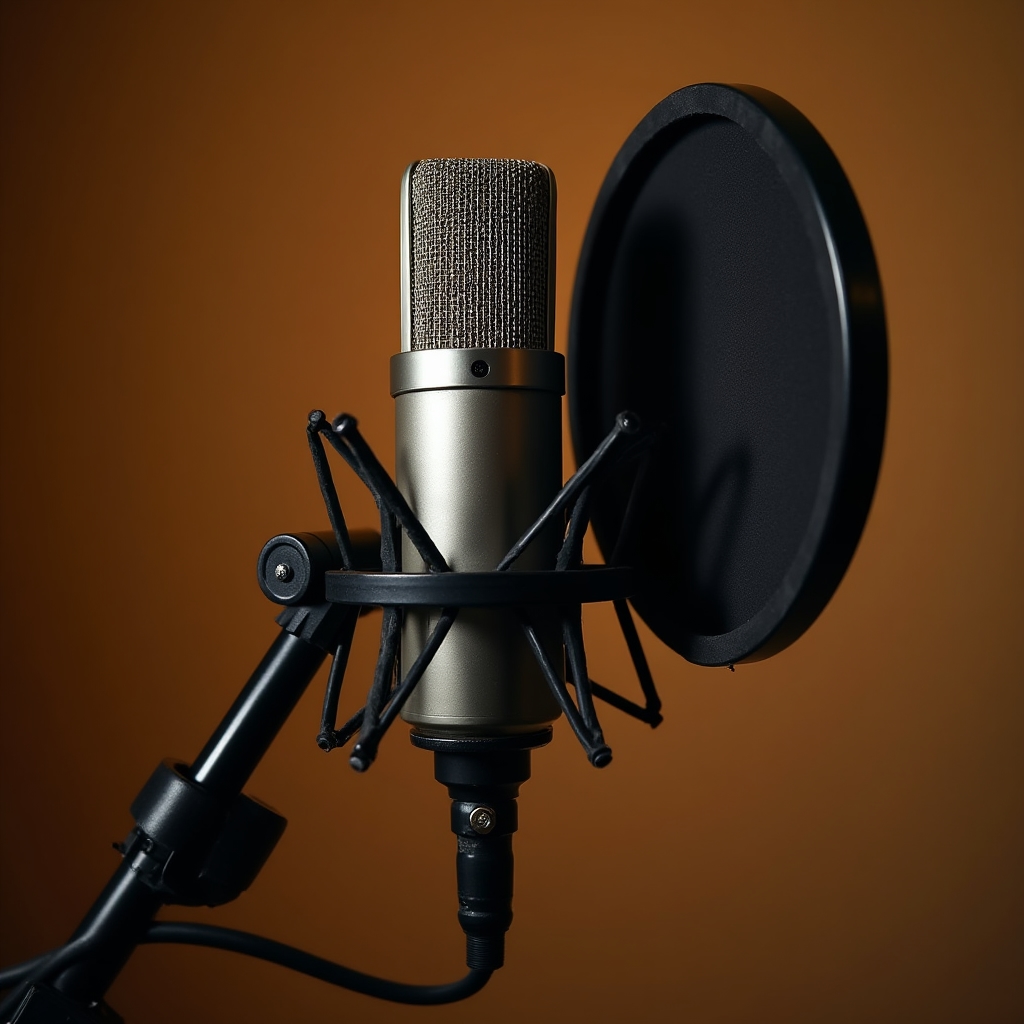
Recording quality starts before you open any software. This course addresses the physical relationship between your voice, your microphone, and the room you are in. Most audio problems that beginners try to fix in post-production are actually recording problems — and most of them are preventable.
Topics covered include microphone polar patterns and why they matter in untreated rooms, distance and proximity effect, pop filter placement, gain staging from microphone to interface, and identifying room reflections by ear.
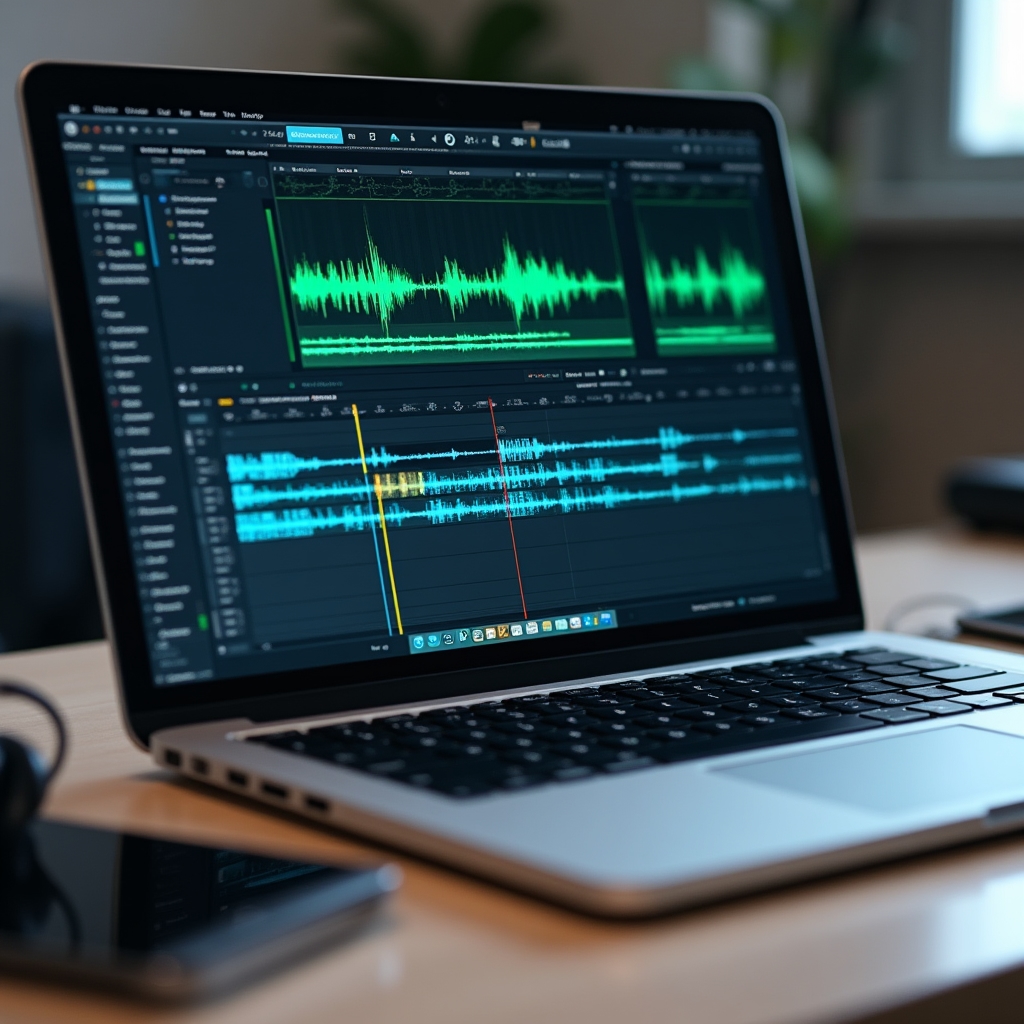
Editing is where a recorded conversation becomes a listenable episode. This course teaches editing workflows across the tools most independent podcasters use, with a focus on decisions rather than button locations. Software changes. The underlying logic of how to cut, clean, and arrange audio does not.
The course covers noise reduction, EQ for voice clarity, compression for consistent levels, removing filler words and dead air efficiently, and export settings for podcast hosting platforms.
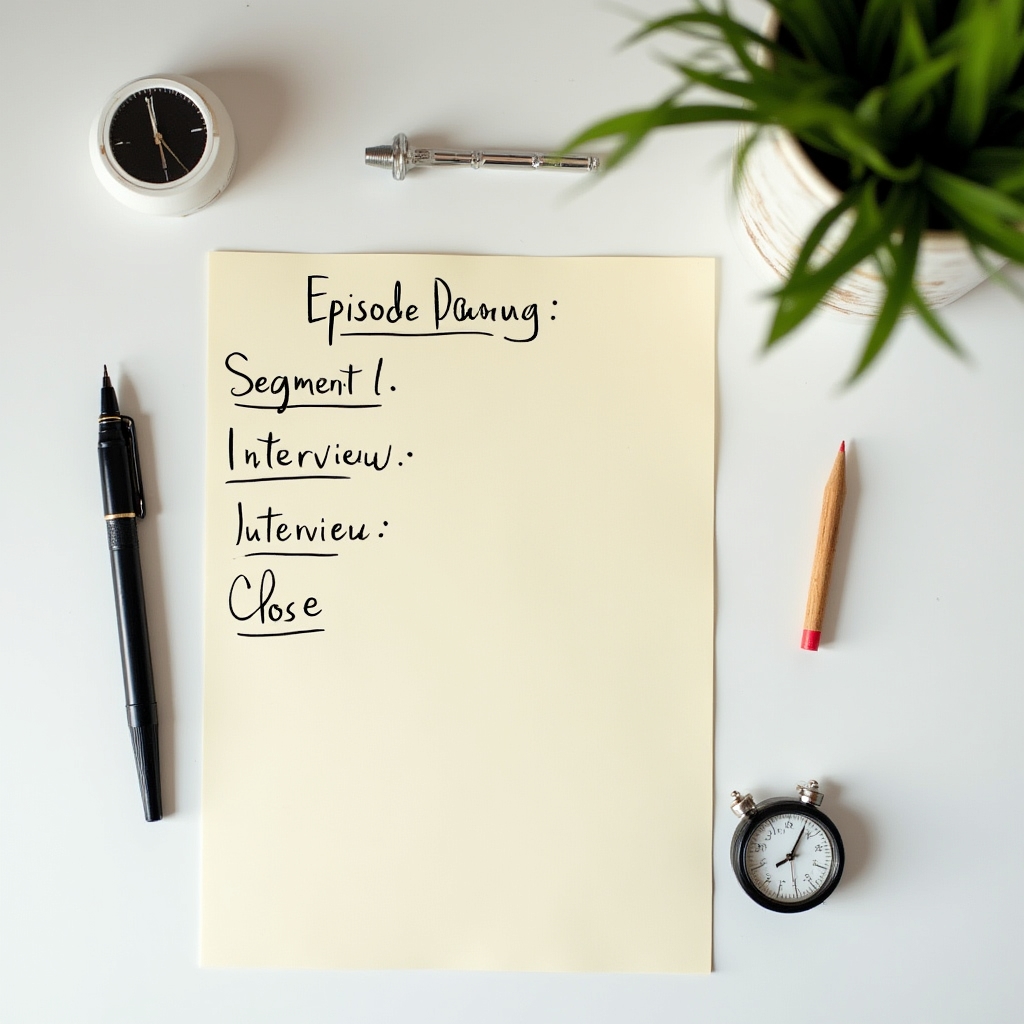
Audio holds attention differently from text or video. Listeners cannot skim. They cannot rewind easily. A poorly structured episode loses people in the first two minutes and never gets them back. This course addresses how to build episodes that work in the medium.
The course covers opening hooks, segment pacing, interview structure versus solo monologue structure, how to handle transitions, and how to close an episode in a way that creates a reason to return. Narrative documentary formats are also addressed for creators working in that style.

Show notes are the written layer of a podcast. They appear in directories, on hosting platform pages, and in search results. Most creators write them as an afterthought. This course treats them as a distinct skill with specific requirements.
Topics include the structural requirements of major directories, how to write a summary that works both as a description and as searchable text, timestamp formatting, guest and resource linking conventions, and the difference between show notes written for listeners versus those written for discoverability.

Publishing a podcast involves more steps than uploading a file. This course walks through the complete distribution workflow — from choosing a hosting platform and configuring an RSS feed to submitting to directories and verifying that your show appears correctly across platforms.
The course also covers what happens after launch: updating metadata, handling episode corrections, managing your RSS feed when changing hosts, and understanding the analytics data that hosting platforms provide.